
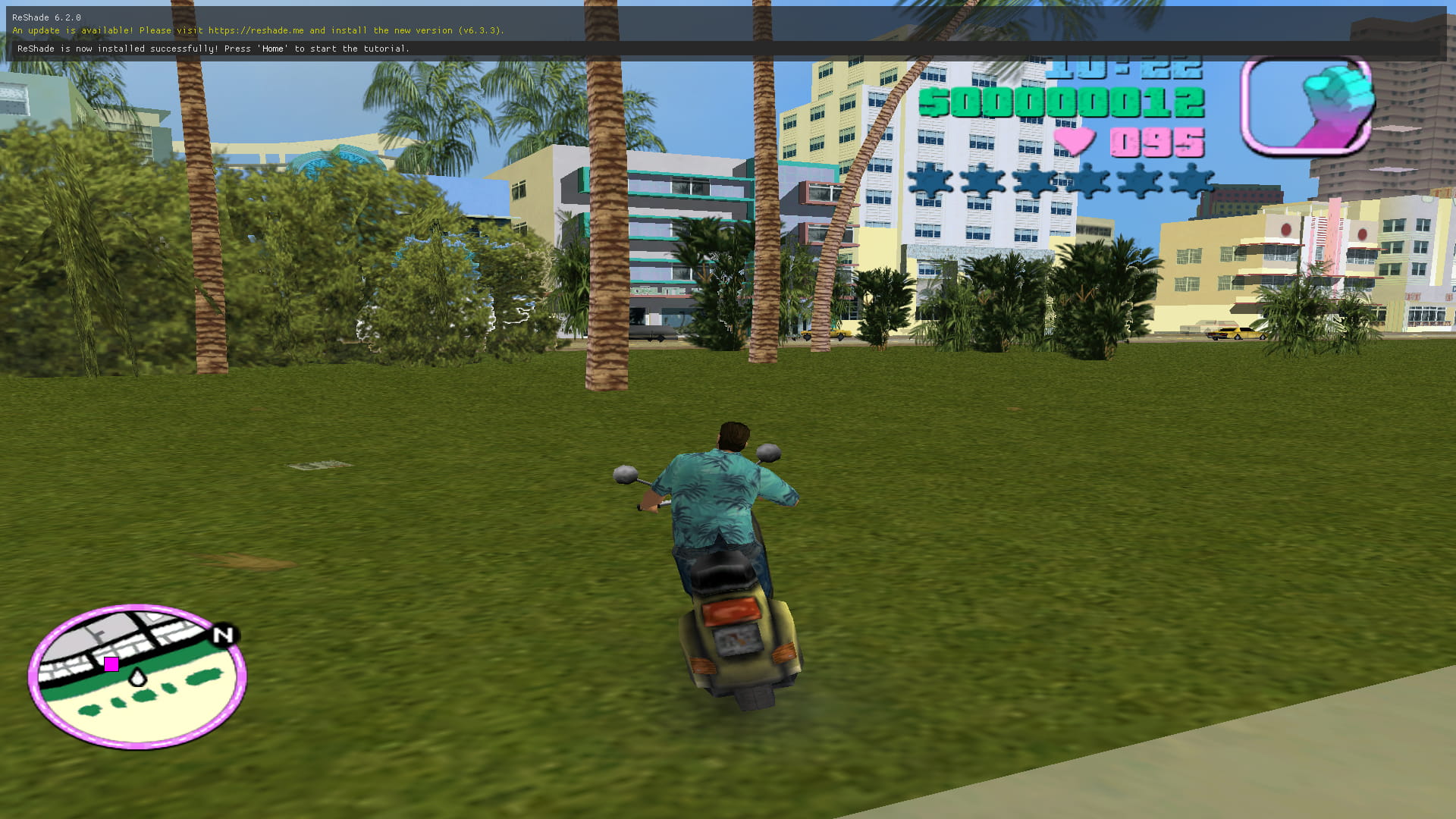
Remember the absolute thrill of cruising down Ocean Beach in a stolen Infernus while blasting “Billie Jean” on Flash FM? Tommy Vercetti’s world defined a generation of gaming. While you can officially buy the game on mobile app stores, handing over cash and sacrificing 1.5GB of your phone’s storage isn’t always ideal.
Recently, a massive trend has been blowing up across the tech space: playing the full version of GTA Vice City directly in your smartphone browser, entirely for free, with zero downloads. The secret? A web platform called Quenq.
Here is exactly how it works, the tech behind it, and what you need to know before you start playing.
🎮 The “Quenq” Method: Step-by-Step
Playing a heavy 3D open-world game via a mobile browser sounds like science fiction, but it is incredibly straightforward. Here is how to get Tommy moving on your phone right now:
- Open Your Browser: Launch a modern web browser on your smartphone. Google Chrome or Safari will give you the best performance and compatibility.
- Head to the Site: Type quenq.com into the address bar and hit enter.
- Find the Game: Navigate to the “Apps” or “Games” section of the website. Scroll until you spot the iconic pink and neon Vice City logo.
- Go Full Screen: Tap on the game. Once it loads, make sure to hit the Full Screen icon. This is crucial—playing an open-world game in a tiny browser window is a fast track to ruining the experience.
- Start Playing: The game will load up with on-screen touch controls. Every mission, every cheat code (yes, LEAVEMEALONE and PANZER still work), and every radio station is right there. You can even save your progress to continue your empire-building later.
⚙️ How Is This Even Possible? (The Tech Reality)
If you are wondering how a game that used to push the PlayStation 2 to its limits is now running inside a Google Chrome tab, the answer lies in WebAssembly and browser APIs.
Developers have been porting open-source engine implementations (like reVC) directly into web browsers. Previously, a site called DOS Zone attempted a similar feat, creating a highly impressive tech demo that allowed Vice City to run natively on the web.
However, running a game this way essentially turns your web browser into a localized emulator. The browser downloads the game assets into your temporary cache rather than permanently installing an APK or app file onto your device’s hard drive.
⚠️ The Catch: 3 Things You Must Know
Before you dedicate your weekend to taking over the Diaz Estate, keep these reality checks in mind:
- The Take-Two Threat: Rockstar Games and their parent company, Take-Two Interactive, are notoriously aggressive about protecting their intellectual property. The previous browser-based port on DOS Zone was swiftly taken down by copyright strikes. Platforms like Quenq operate in a massive legal gray area. Enjoy it while it lasts, because it could disappear overnight.
- The Battery Drain: Just because you aren’t installing the app doesn’t mean your phone isn’t doing heavy lifting. Rendering a 3D environment in a browser consumes massive amounts of RAM and processing power. Expect your phone to heat up and your battery to drain significantly faster than scrolling through social media.
- Control Limitations: The on-screen touch overlays provided by these browser ports can be incredibly clunky, especially during intense firefights or the infamous RC Helicopter mission (“Demolition Man”). If you have a Bluetooth controller, pair it with your phone for a much smoother experience.
Playing Vice City via Quenq is a brilliant showcase of how far mobile web technology has come. It is fast, highly accessible, and delivers a pure hit of nostalgia. Jump in, grab a Faggio, and enjoy the neon lights—just don’t be surprised if the site eventually gets hit with a 5-star wanted level by Rockstar’s legal team!